20.9. MBX dualcore
20.9.1. Overview
This example demonstrate how MBX works. Core 0 will send message to core 1 which will echo back what’s been received.
20.9.2. Board Setting
debug console for core1 can be found in Pin Description for specific board
20.9.3. Generate, Build and Debug Multi-core projects
Please referenceMulticore General Description.md
20.9.4. Running the Example
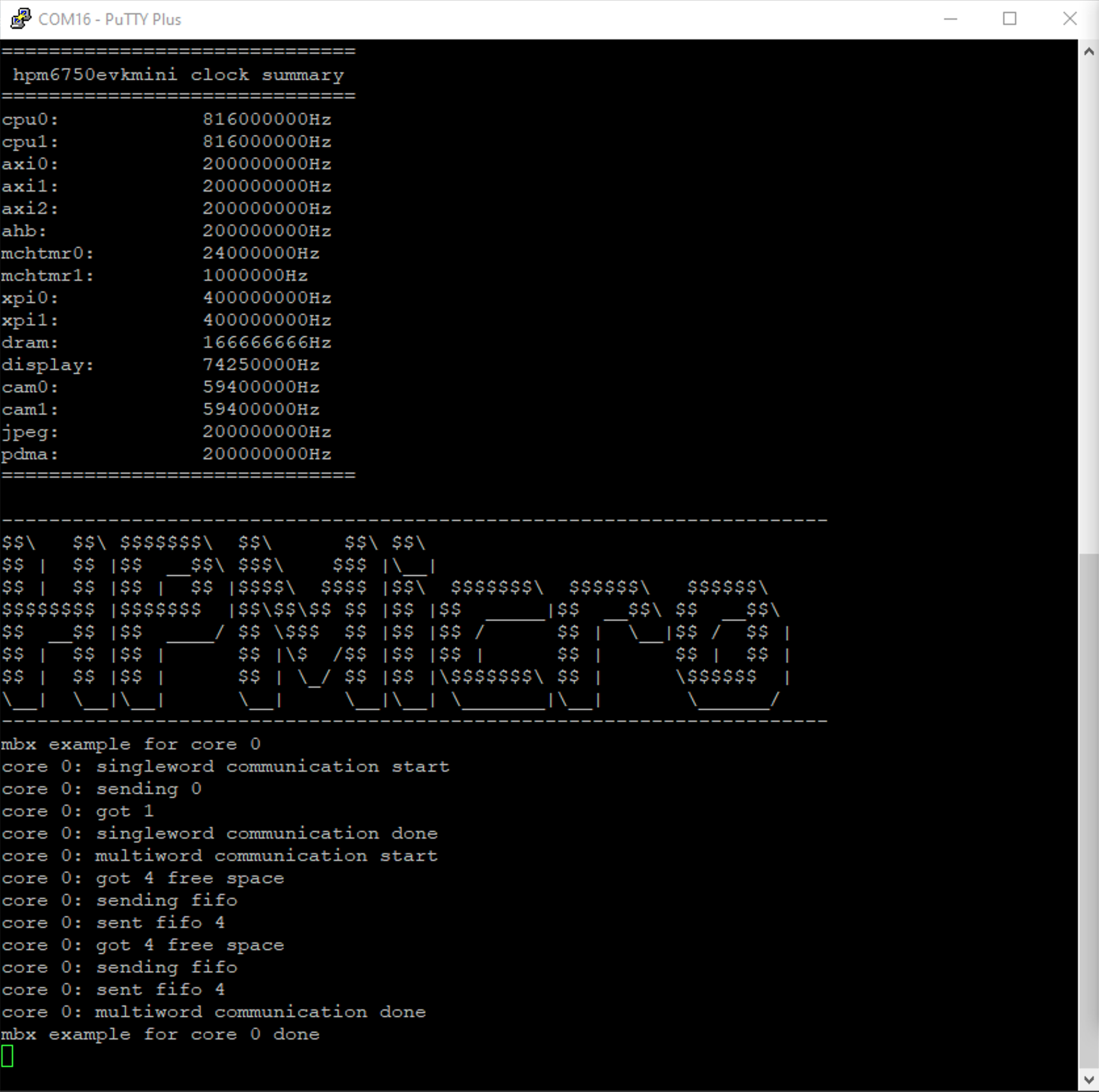
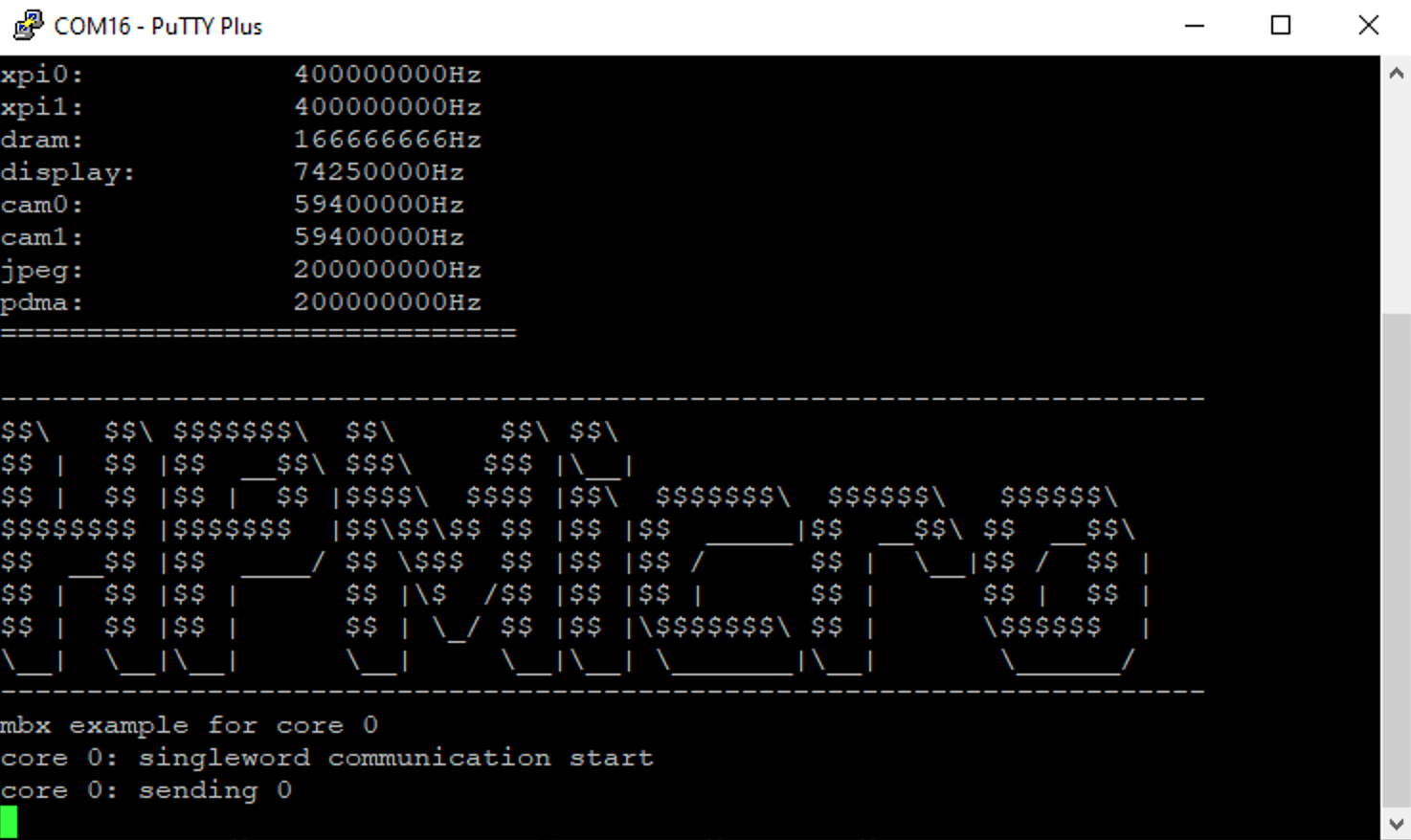
start to run application for each core, following content should be shown on debug console
for core0:
for core1:
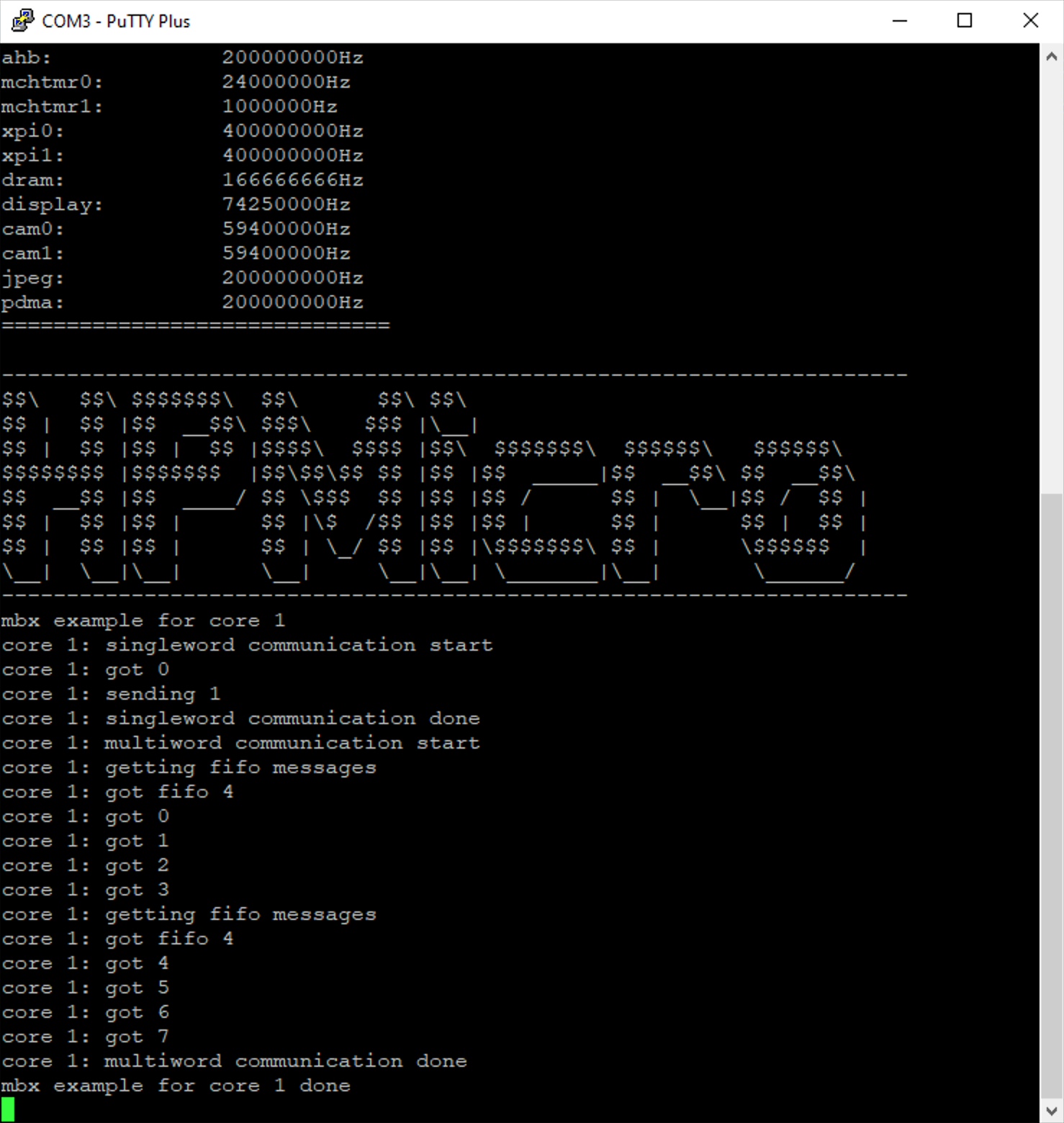
once core1 application starts, core1 will receive messages from core0 then send them back, then in the console of core0: