24.2.6.5. TCP/UDP Throughput Test
24.2.6.5.1. Overview
This example shows TCP/UDP throughput performance test through iperf (https://iperf.fr/iperf-download.php) with a total of four mode as follows:
MCU acts as TCP Server / PC acts as TCP Client
MCU acts as TCP Client / PC acts as TCP Server
MCU acts as UDP Server / PC acts as UDP Client
MCU acts as UDP Client / PC acts as UDP Server
24.2.6.5.2. Board Setting
Connect a USB port on PC to the PWR DEBUG port on the development board with a USB Type-C cable
Connect an Ethernet port on PC to a RGMII port or a RMII port on the development board with an Ethernet cable
24.2.6.5.3. Project Configuration
Ethernet Port Settings: Refer to Ethernet common project settings
By Setting
CONFIG_NETX_ENABLE_DHCPto zero or comment the definition code in CMakeLists.txt, the DHCP will be disabledWhen DHCP is disabled, comment or delete
set(CONFIG_ECLIPSE_THREADX_NETXDUO_ADDONS_DHCP 1)can decrease project source files number
24.2.6.5.4. Run Example
Compiling and Downloading
Wait until the link status becomes ‘Up’. Accessing web addresses using a browser http://192.168.1.223 (Related to the configuration in the demo. If dhcp is enabled, replace the ip address with the alloted one), the following IPerf test page will open.
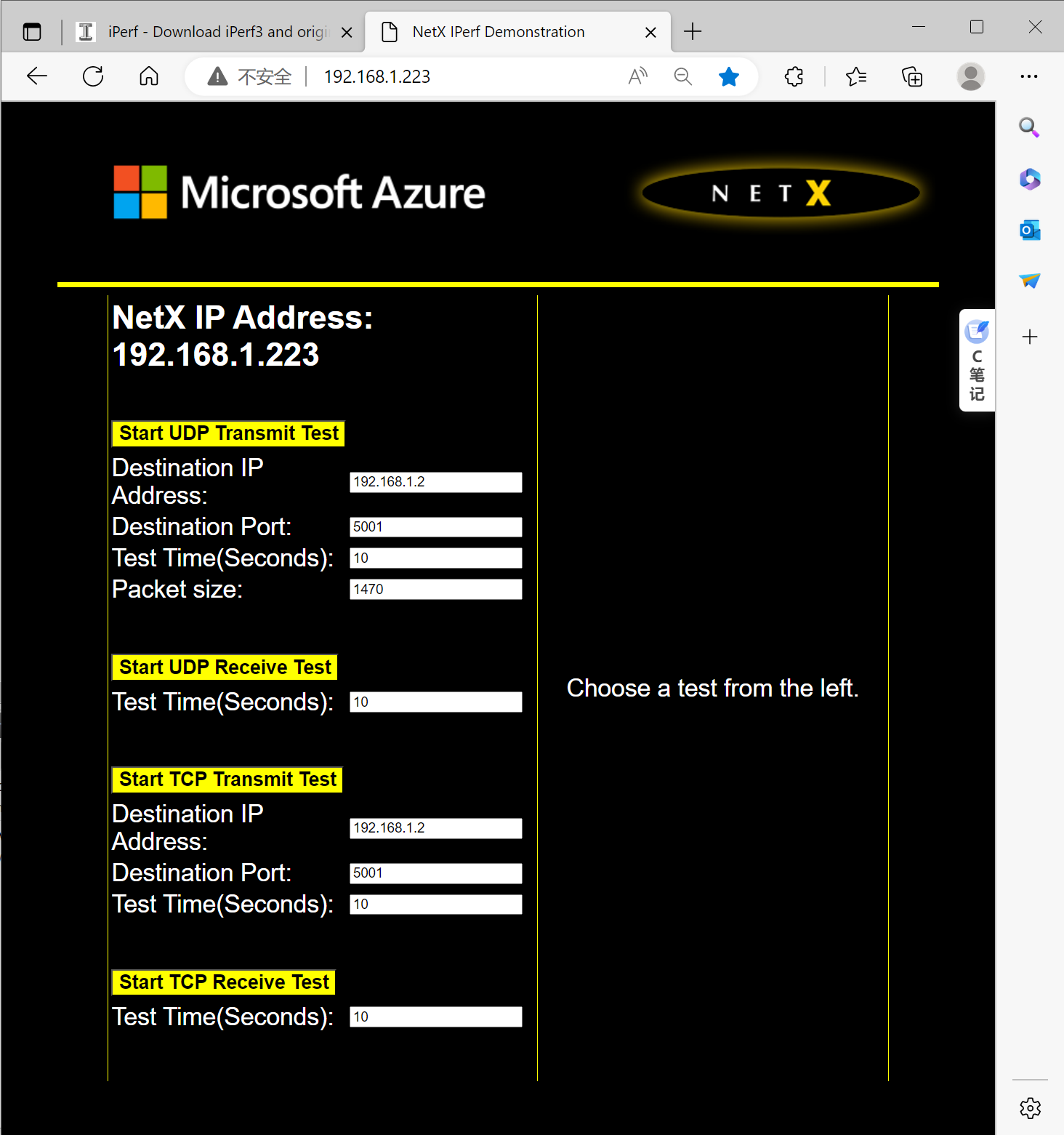
Use IPerf tools on the PC side and web pages for testing. (You can use gui tools such as jperf or iperf cmd line). Iperf3 is not supported.