31.5. UAC2 Speaker and Microphone
31.5.1. Overview
This example project shows USB hid generic transfers
PC transmits a HID report to MCU, and then MC send it back to PC
31.5.2. Board Setting
Connect a USB port on PC to the PWR DEBUG port on the development board with a USB Type-C cable
Connect a USB port on PC to one of USB port on the development board with a USB Type-C cable
Connect a speaker to the DAO interface on the development board
31.5.3. Project Configuration
File
CMakeLists.txt:When BOARD_DEVICE_RHPORT_NUM is defined as 0, it means to use USB0.
When BOARD_DEVICE_RHPORT_NUM is defined as 1, it means to use USB1.
The property of USB device can be configured by “tusb_config.h” or “CMakeListx.txt”
31.5.4. Running the example
When the project runs correctly
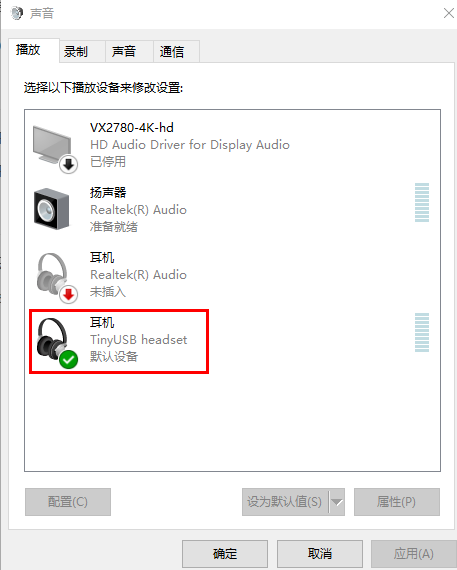
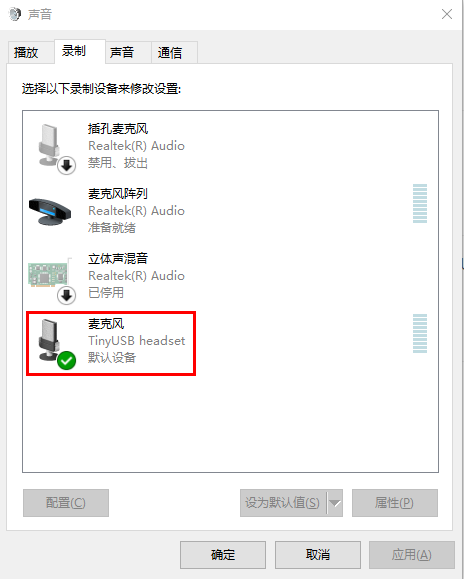
Confirm the audio settings:
(1) Set “TinyUSB headset” as the default play device
(2) Set “TinyUSB headset” as the default recording device
Play
(1) Start a music player on PC and choose a music song, and then click “Play” button
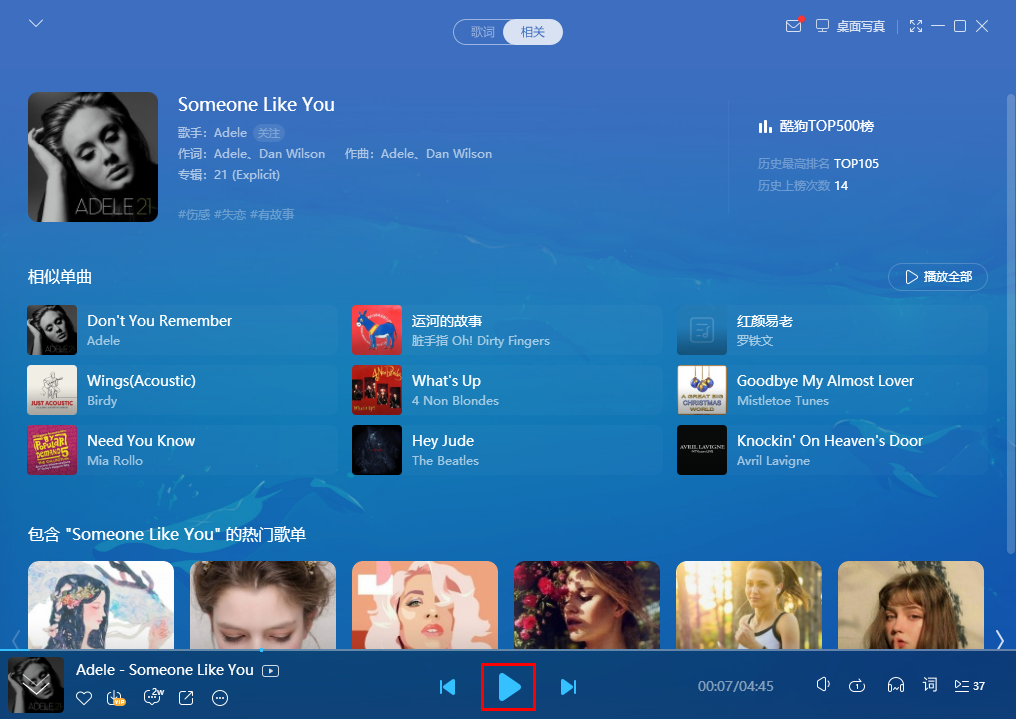
(2) MCU plays music by speaker as receiving audio data from PC.
Recording
(1) Stop the music player on PC
(2) Start a recording tool and click “Record” button, and at the same time play a music song by another player device(e.g. mobile phone)
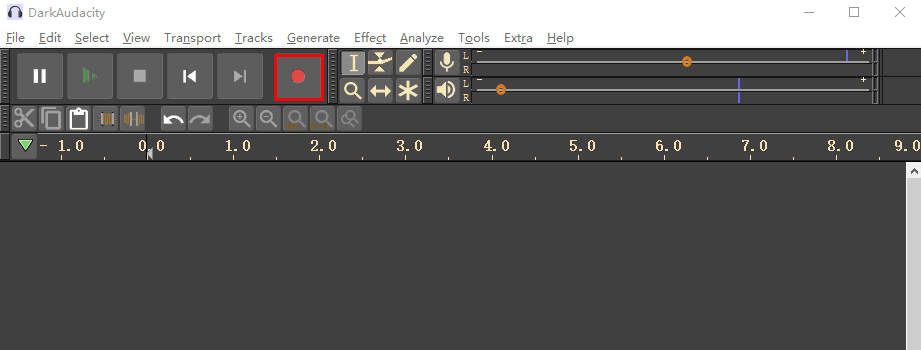
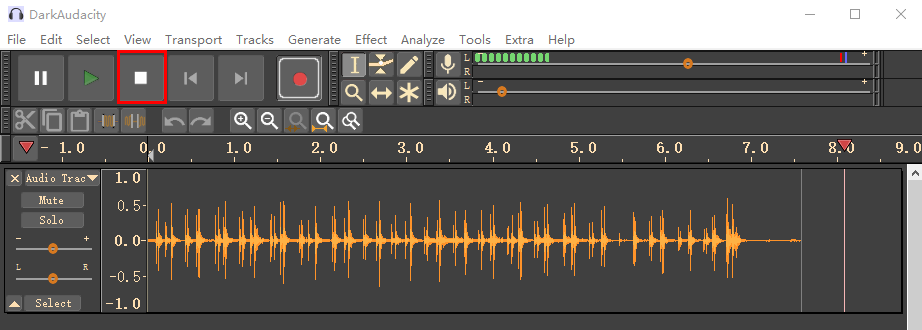
(3) Click “Stop” button after recording for a while
(4) Click “Play” button
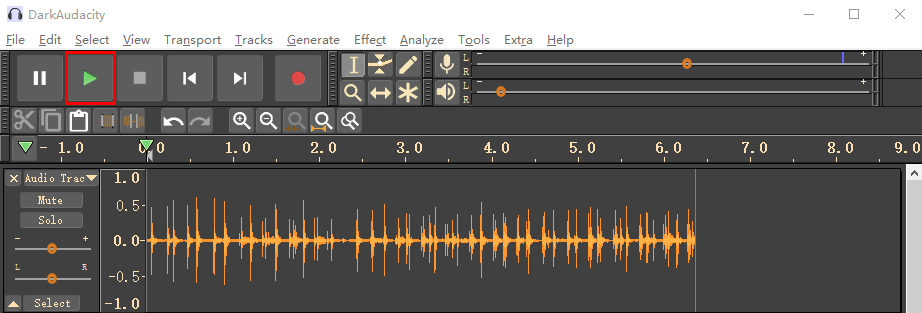
(5) MCU Plays audio by speaker on DAO interface