19.3. lwip_https_server
19.3.1. Overview
This example shows how to use lwip and bedtls to setup a https server.
19.3.2. Board Settings
Connect a USB port on PC to the PWR DEBUG port on the development board with a USB Type-C cable
Connect an Ethernet port on PC to a RGMII port or a RMII port on the development board with an Ethernet cable
19.3.3. Project Configurations
Ethernet Port Settings: Refer to Ethernet common project settings
Ethernet DHCP Configurations
the configurations in the CMakeLists.txt as follows:
sdk_compile_definitions(-DLWIP_DHCP=0): Disable DHCP feature
sdk_compile_definitions(-DLWIP_DHCP=1): Enable DHCP feature
19.3.4. Run Example
Compiling and Downloading
Running log is shown in the serial terminal as follows:
This is an ethernet demo: https server (Polling Usage)
LwIP Version: 2.1.2
Enet phy init passed !

************************************************
 mbedTLS HTTPS Server example
************************************************
Link Status: Up
Link Speed:  1000Mbps
Link Duplex: Full duplex
IPv4 Address: 192.168.100.10
IPv4 Netmask: 255.255.255.0
IPv4 Gateway: 192.168.100.1
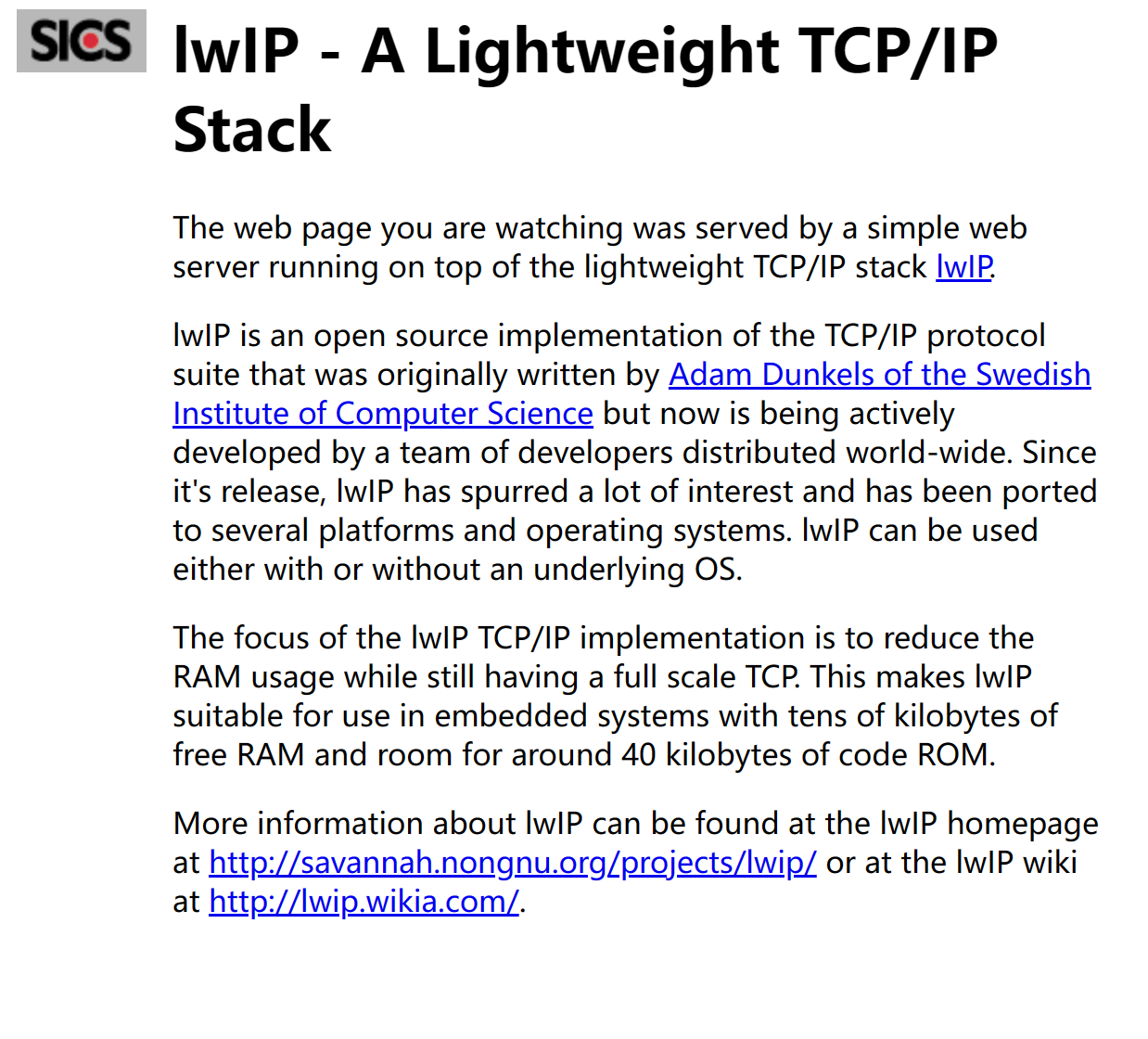
Open browser on pc, type https://192.168.100.10 and press enter, the web page will appear: