50.2. QEO_DAC_OUT
50.2.1. Overview
QEO_DAC_OUT sample shows QEO generates waveforms through DAC according to received postion.
50.2.2. Board Setting
Output DAC signals at the specified pin. (Please refer to Pin Description)
50.2.3. Running the example
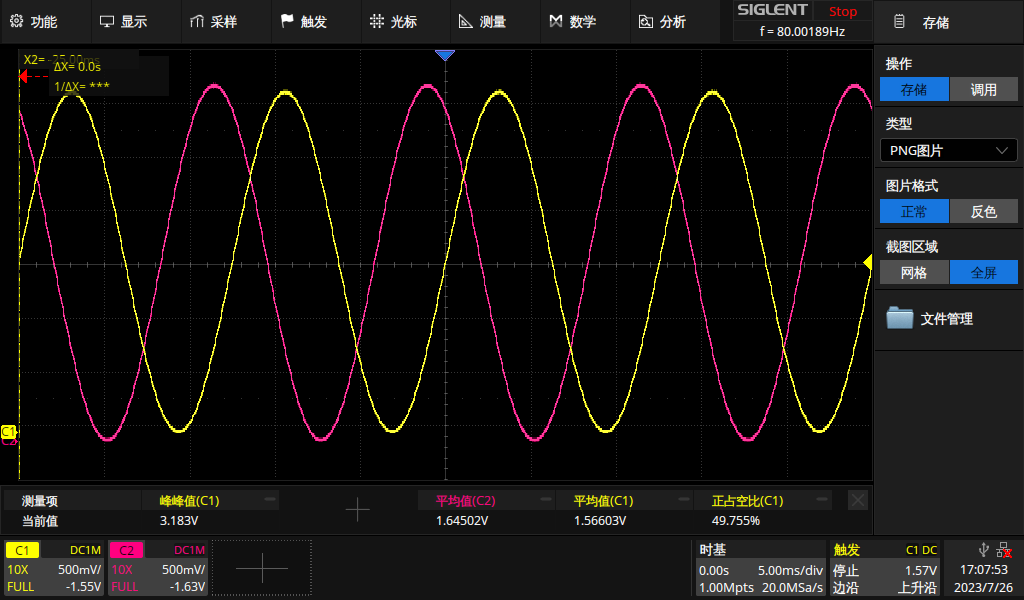
When the project runs correctly, the serial port terminal will receive the following information, use oscilloscope to observe the signal on the pin:
QEO DAC wave example
QEO generate wave with sofeware inject postion
qeo wave0 output:
65535
65526
65496
65447
65378
65290
65182
65054
64907
64740
64554
64349
64126
63883
63621
63342
63043
62726
...
qeo wave1 output:
16384
15696
15015
14344
13684
13036
12400
11777
11165
10567
9982
9410
8854
8311
7783
7270
...
qeo wave2 output:
16382
17081
17792
18512
19240
19976
20721
21472
22231
22995
23766
24542
25323
26108
26897
27690
28486
...
QEO generate wave base on hardware(MMC) provide position
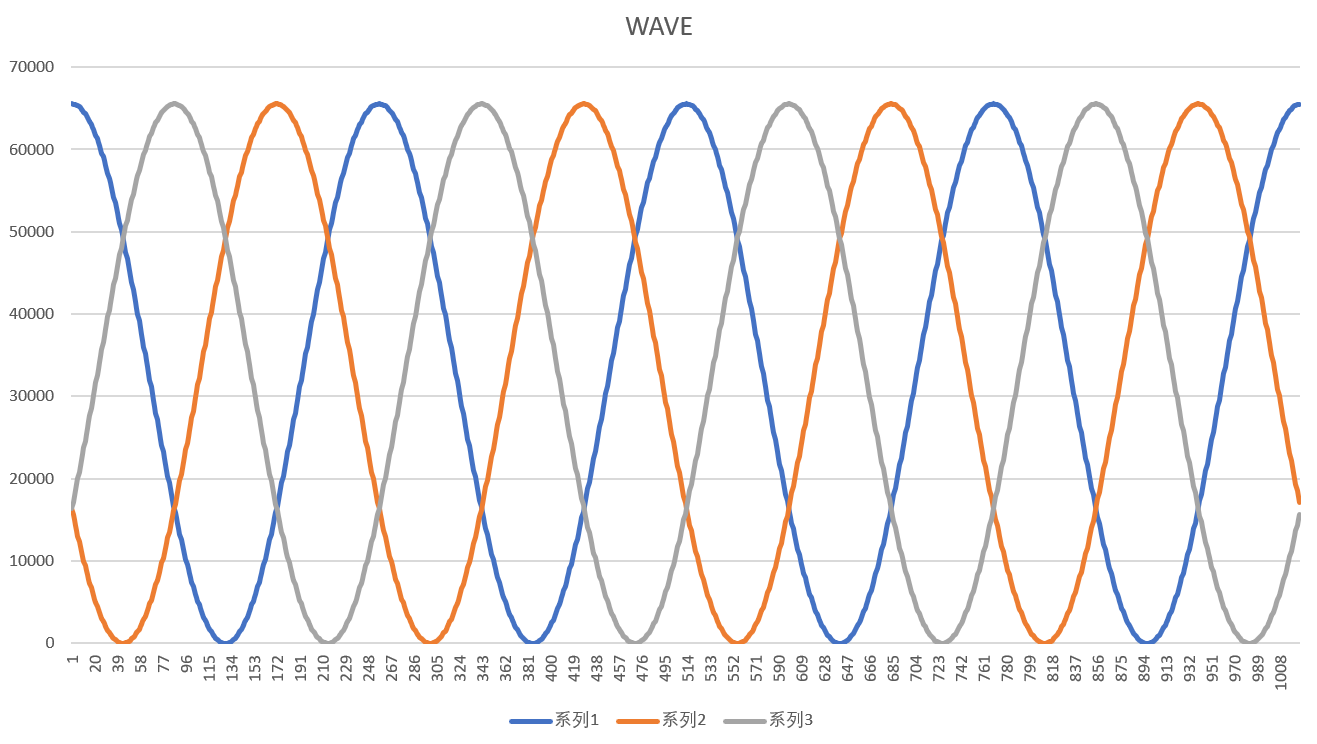
sample printf wave value,using tool(like excel)to fit data and generate waveforms.
 oscilloscope observe 2 wave on DAC pins.